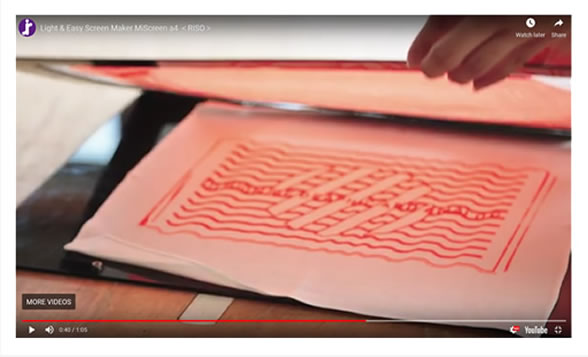
Digital Screen Maker
A fusion of digital and analogue
Learning to utilise digital data is essential for today’s school students and artists.
But it’s also important to have hands-on analogue experiences.
The MiScreen a4 allows students to combine digital data with hands-on screen printing to learn in an analogue way. The MiScreen a4 helps students understand how digital and analogue printing combine in a new screen-printing technology.

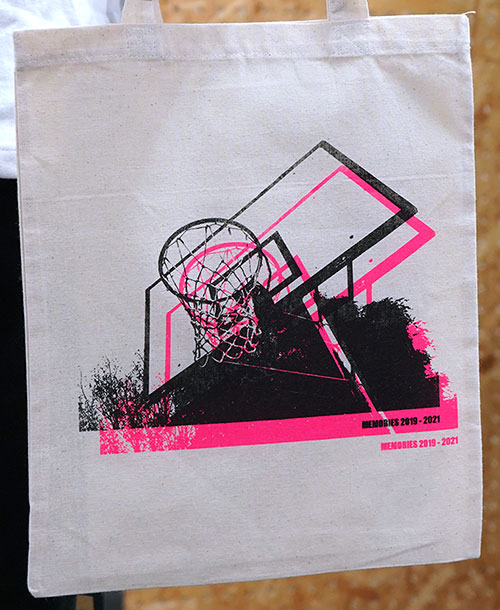
Inspiring creativity and imagination
With the MiScreen a4, students and artists can let their imagination, designs and colours run wild in the process of creating their original artworks.
Wider versatility of artworks
Students can easily learn the screen-printing process with the digital thermal screen maker, and experience the whole process from making the screen to printing. It prints on fabric items such as T-shirts or tote bags, on thick stock paper, hardcover books, and even on wooden plates, expanding the range of their art.
Environmentally friendly RISO-DTS*
MiScreen a4 is equipped with a dry thermal screen making system called RISO-DTS* technology, which needs no water or emulsion in the process of screen making. With no washing-out process, it significantly reduces the amount of plastic resins used compared to conventional screen printing methods.
*RISO Dry Thermal Screen system.
A whole new world of creativity awaits you
- Teachers can run screen-printing classes.
- Creators can run screen-printing workshops.
- MiScreen a4 is light, compact and easy-to-use.
- No emulsion, no water, just creativity.

How it works
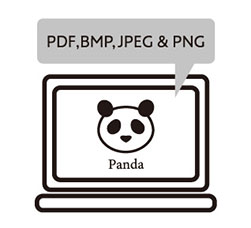
Connect the MiScreen a4 unit to a computer and transfer your artwork.

Stretch the screen master to the frame and set in the MiScreen a4. Hold down the cover switch to make a screen.
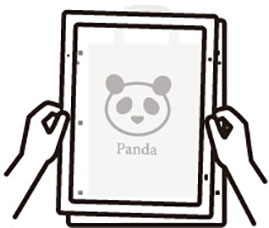
Set the substrate and the imaged screen frame on the printing board.
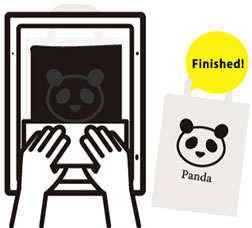
Apply ink on the screen and print with the squeegee.